
888starz PhonePe Payments
Using PhonePe on 888starz sportsbook is relevant for all registered users from India. You can deposit and withdraw in INR, with no conversion fees. Payments go through UPI. Deposits usually appear on the gaming balance instantly, and withdrawals don’t take much time. PhonePe works on both the website and mobile app, it’s easy to manage your funds at home or outside. Read below the precise information to know more about this reliable way to fund your account and cash out.
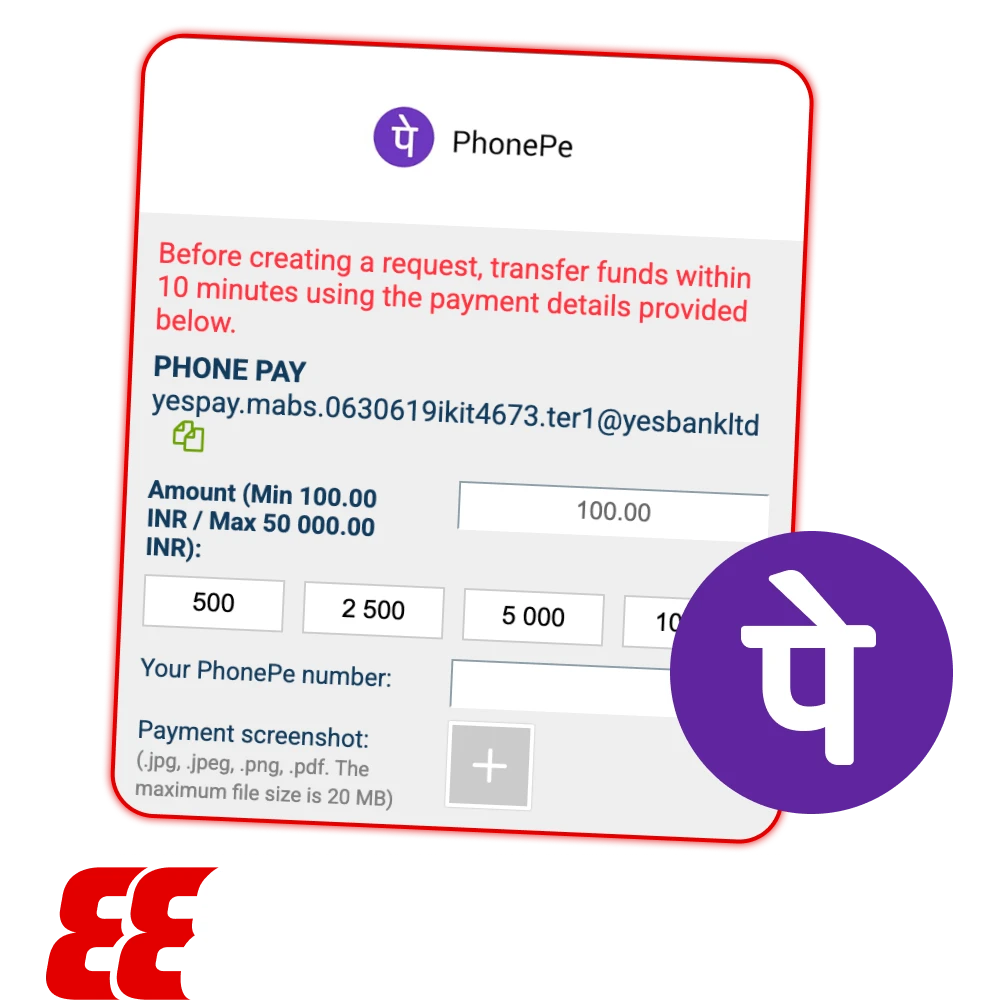
Limits and Transaction Times
All presented data below are applicable for PhonePe, a fast and practical option for Indian players.
| Parameter | Details |
| Minimum Deposit | ₹300–₹500 is the min deposit. For more details follow the Deposit tab with the latest amounts. |
| Maximum Deposit | Up to ₹50,000 per transaction. For some payments it can reach ₹1,00,000. |
| Speed | Deposits are instant if the UTR/Reference ID is entered correctly. Withdrawals typically take 1–24 hours. It all depends on verification and internal processing. |
| Fees | Bookmaker does not charge any fees for PhonePe transactions. PhonePe may have occasional UPI limits, but standard deposits and withdrawals in INR are free. |
PhonePe Deposit Process
Depositing via PhonePe on 888starz is simple, but the UTR number step is critical to ensure instant credit. Follow these steps:
- Log in to your 888starz account and go to the Deposit section. Select PhonePe as your payment method.
- Enter the amount you want to deposit in INR and confirm.
- You will see the UPI ID (VPA) or a QR code generated by 888starz. Copy it carefully or scan the QR code directly.
- Open your PhonePe app, paste the VPA (if not using QR), and complete the payment.
- After completing the payment, open Transaction History in PhonePe. Find your recent deposit and copy the 12-digit UTR number (UPI Reference Number).
- Return to 888starz and paste the UTR into the required field to confirm your deposit. Without this, the funds may not appear automatically.
Following this exactly ensures instant deposits and avoids delays.

Withdrawal to PhonePe
Through the 888starz download app for example sending your winnings to PhonePe is quick:
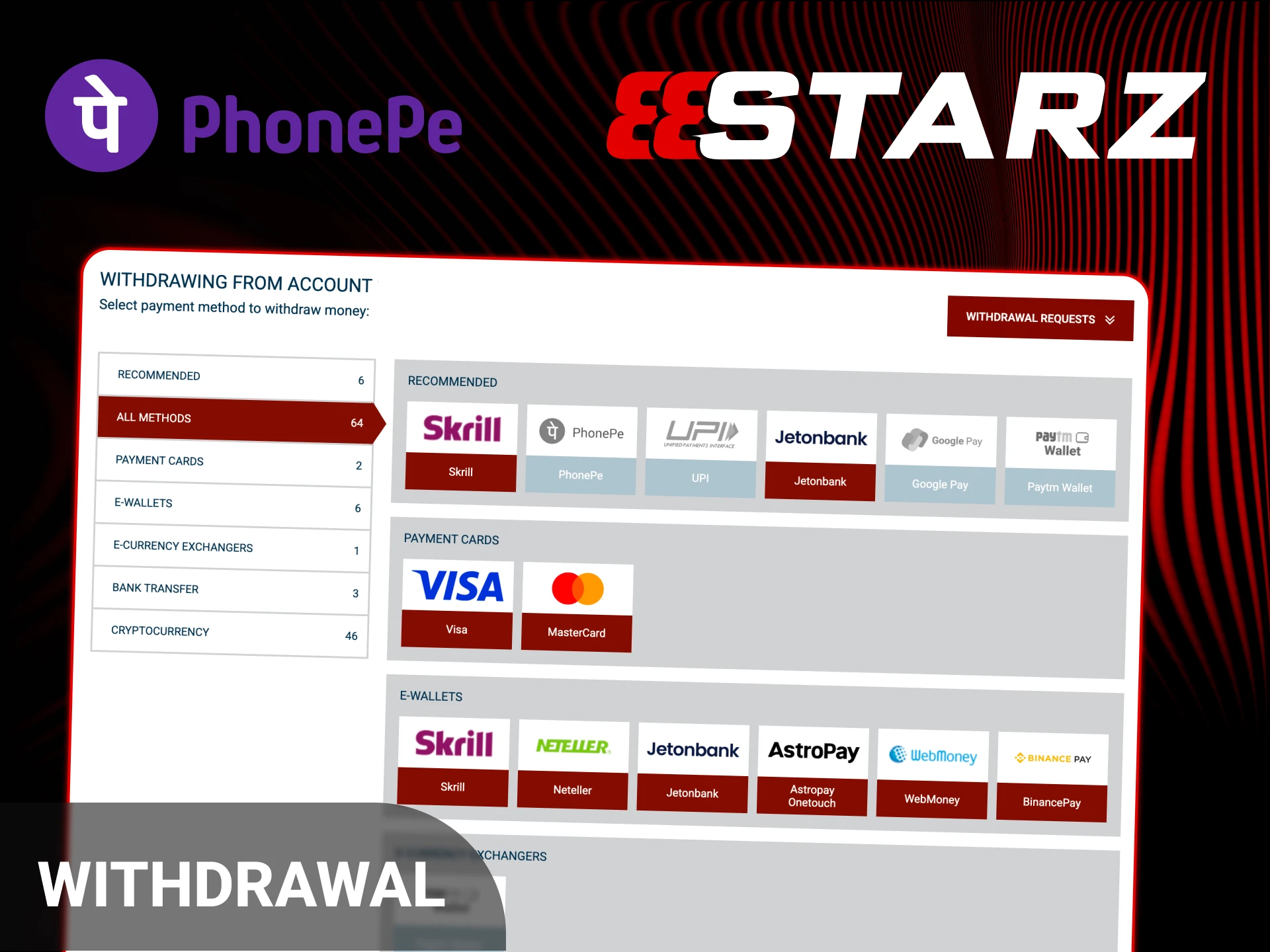
- Go to the Withdrawal section in your 888starz account and select PhonePe or UPI as your payout method.
- Enter your UPI ID correctly (for example, number@ybl or number@axl). Double-check for typos to avoid delays.
- Ensure that the name on your PhonePe-linked bank account matches the name registered in your 888starz profile. Mismatched names may cause the withdrawal to be rejected.
- Confirm the withdrawal request. Processing times are generally fast, often completed within 1-24 hours depending on internal verification.
Common PhonePe Issues
Some problems Indian players can run into with PhonePe payments on 888starz, and how to fix them:
- Deposit not credited: This often happens when the UTR number wasn’t entered after making the payment. Check your PhonePe transaction history, grab the correct 12-digit UTR, and contact 888starz support. It helps to send a screenshot of your payment so they can sort it faster;
- Payment Failed in the app: This is often caused by temporary issues with the bank or UPI server. Wait 10-15 minutes and try again. Sometimes switching between the UPI ID and QR code helps;
- Invalid UPI ID: Double-check that you copied the VPA from 888starz correctly. It can change with every deposit. Use the latest one shown on the deposit page.
Switching Between Apps (Mobile)
It is important to remain logged in when using 888starz and PhonePe on your mobile device. Copy the VPA or QR code from 888starz before switching. Do not close or exit the app, minimize it or swipe the screen to go to PhonePe and complete the payment. This will keep your deposit session active, preventing errors or lost transactions. Always return to 888starz to paste the UTR.
Security and Safety
PhonePe payments on 888starz are highly secure. All UPI transactions are regulated by NPCI (National Payments Corporation of India), ensuring strong compliance with Indian banking standards. The PhonePe app itself protects your account with 2FA, using a PIN, fingerprint, or face unlock. 888starz is the best sportsbook and employs SSL encryption to safeguard all data transmitted between your device and the platform. Together, these measures make deposits and withdrawals both safe and reliable for Indian players.
FAQ
Where Can I Find the UTR Number?
Open PhonePe and go to Transaction History. Tap “View Details” on your deposit transaction. The UTR number will be listed as “UTR” or “Bank Ref No”. Copy it carefully and paste it on 888starz to confirm your deposit.
Can I Deposit From a Friend’s PhonePe?
No, deposits from third-party accounts are not allowed. Using someone else’s PhonePe may lead to account suspension or other restrictions on 888starz.
Is There a Fee for UPI Transfers?
No, 888starz charges 0% fees for UPI deposits. Standard PhonePe or UPI charges may apply only in rare cases. Deposits in INR are generally free.
What Is the Minimum Withdrawal via PhonePe?
₹500-₹1000 is the min amount with the difference in terms of account settings. Check the latest limit directly on the 888starz withdrawal page.
Why Is the UPI ID Changing?
888starz occasionally updates its payment gateways for better stability and security. Always copy the current UPI ID from the deposit page and never reuse old saved IDs, as they may no longer work.
Updated:
Comments