
888starz Paytm Payments: Wallet & UPI 2026
888Starz supports Paytm as a convenient and universal payment method for registered users from India. There are both Paytm Wallet and Paytm UPI that are fully supported, which gives extra flexibility in terms of options for deposits and withdrawals. Transactions are processed instantly in INR, with the flexibility via 888starz download app. If you top up your account or cash out winnings, Paytm is the right option for a secure and full transaction process in less time. All Paytm features are integrated directly into the 888Starz app, payments are accessible on mobile or desktop.
Deposit Limits and Processing Time
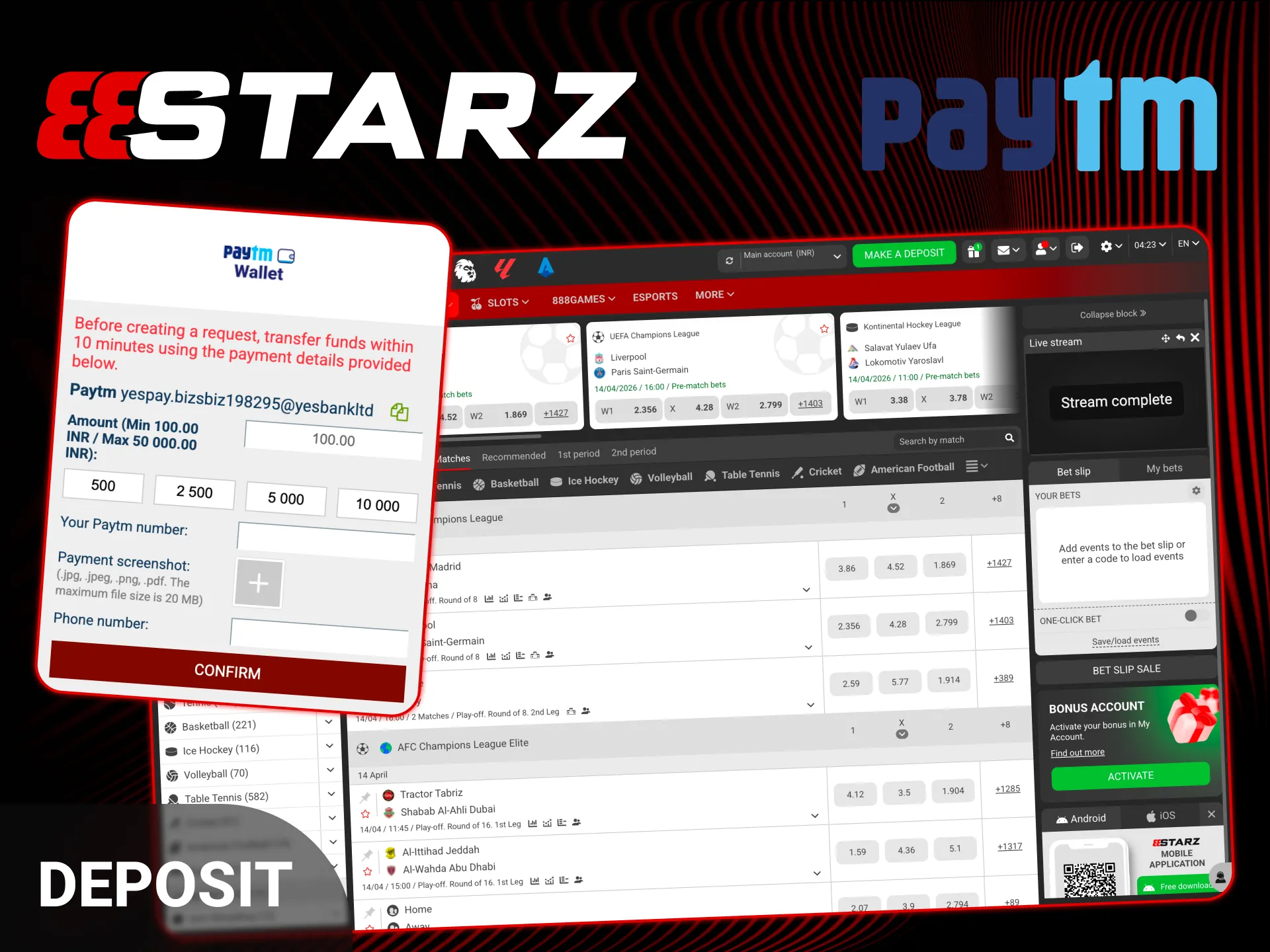
Deposits via Paytm Wallet or UPI are credited in INR almost instantly, so you can fund your balance and start betting. The exact limits may vary depending on Paytm or UPI settings, In most cases transactions are quick, starting from a relatively low minimum amount.
| Min Deposit | Normally ₹100–₹300 (varies by cashier display) |
| Max Deposit | Up to ₹50,000 per transaction (UPI / Wallet range) |
| Speed | Instant to 10–15 minutes on successful UTR |
| Fees | 0% on 888Starz side (Paytm/UPI itself may have app limits) |
How to Deposit via Paytm UPI
Every next deposit can be done with the steps provided below:
- Open the Make a deposit section in your 888Starz account and select “Paytm UPI” as the payment method.
- Enter the amount you want to deposit (in INR) and confirm the request.
- You will see the bookmaker’s UPI ID (VPA) or a QR code. Copy the UPI ID carefully or scan the QR directly from the screen.
- Open your Paytm app and complete the payment using UPI. The amount must match exactly.
- Then locate the 12-digit UPI Reference Number (UTR) inside the Paytm transaction details.
Important to note: Copy the UTR number correctly and paste it into the required field on the website or in the download app at 888starz. Without the correct UTR, the deposit may not be credited automatically.
Depositing via Paytm Wallet
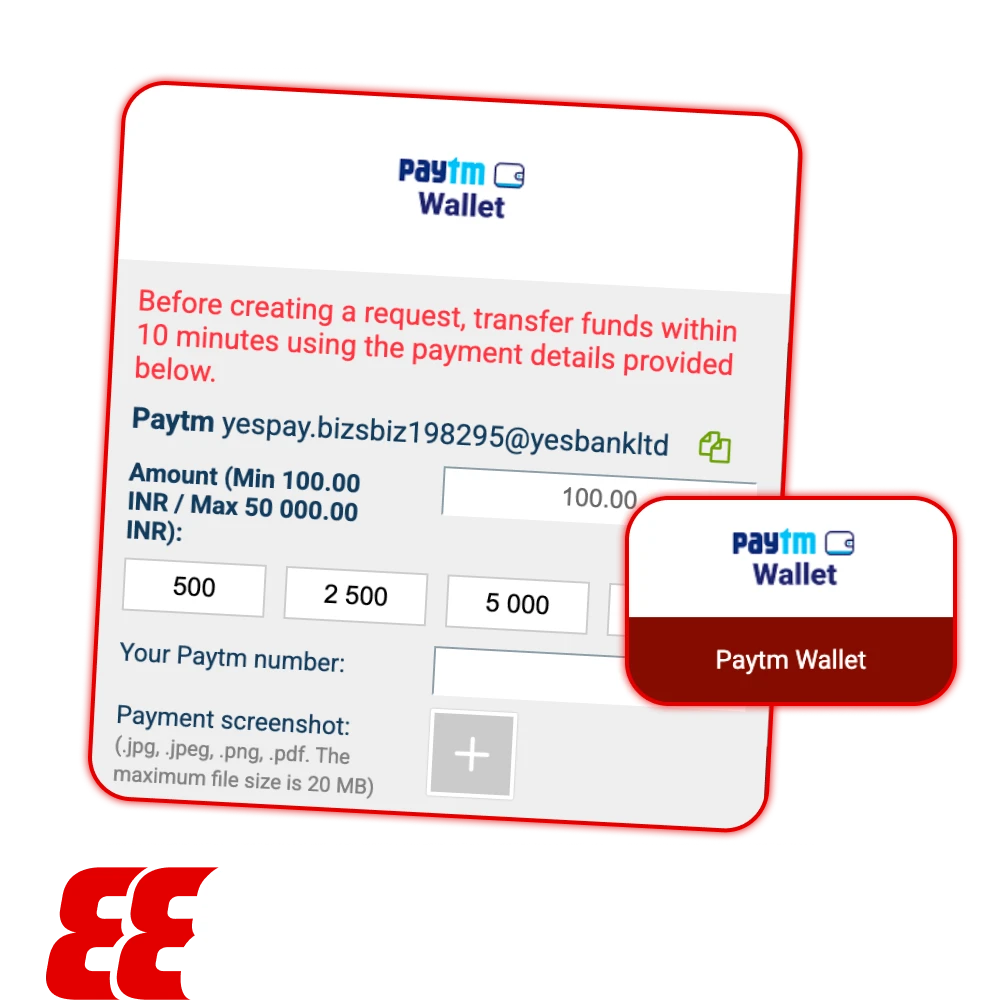
For 888starz supporting Paytm Wallet as a separate method, the process is standard and easy for implementation.
First, select Paytm Wallet in the deposit section. In most cases, the system will generate a QR code that you need to scan using your Paytm app. Before paying, double-check that your Wallet has enough funds (or a linked bank/card).
Usually you can be asked to enter the Order ID or Reference ID to confirm the transaction after the completion of the transaction.
Withdrawal to Paytm Account
Withdrawing funds to your Paytm account is usually straightforward, but there are a few important details to follow:
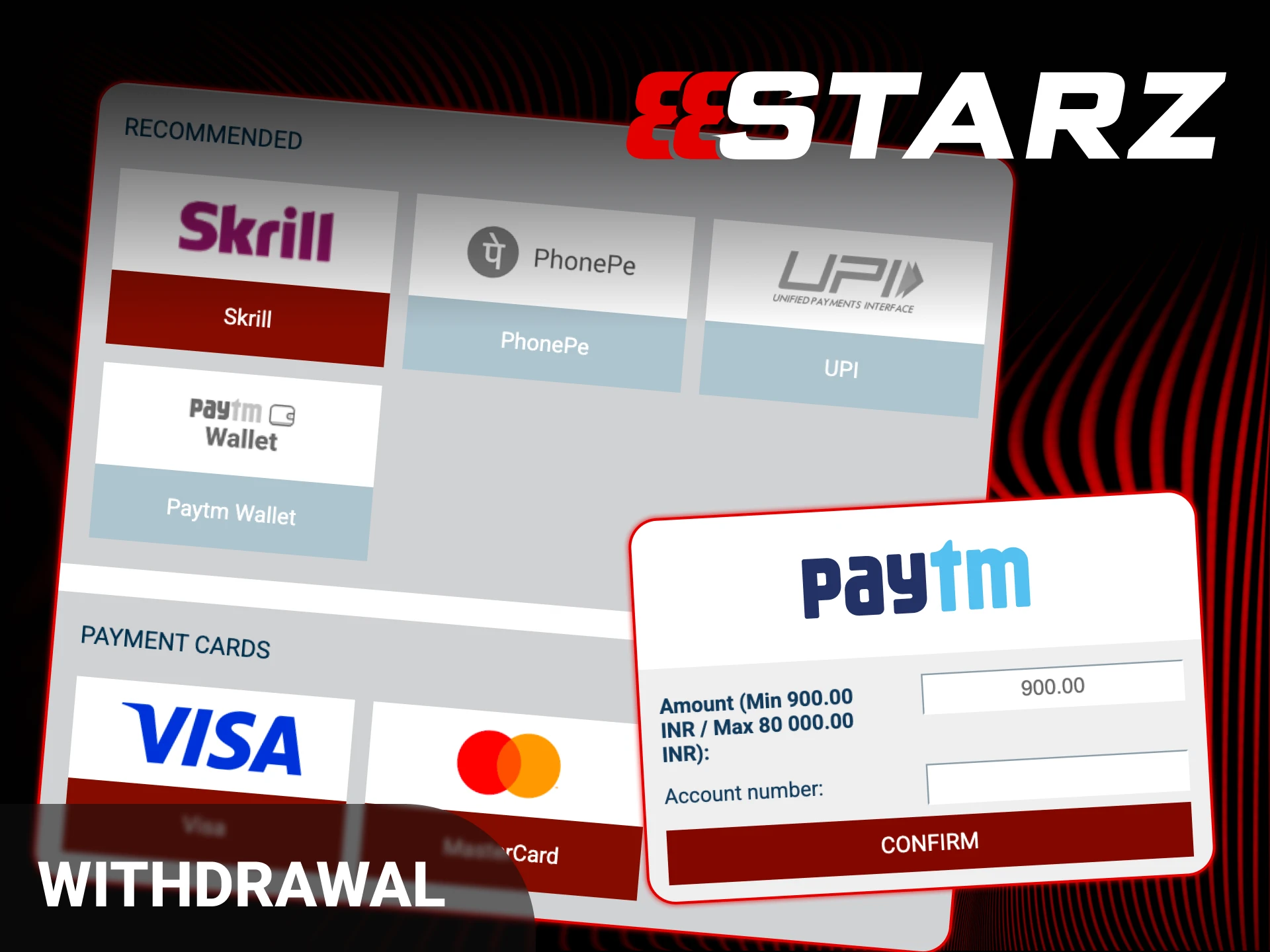
- Go to the withdraw funds tab in your account and select Paytm as your preferred payout method.
- Enter the mobile number linked to your Paytm account. It must be in the correct format, starting with +91 followed by your registered number. Double-check it before confirming.
- Make sure your Paytm account is fully verified (KYC completed). Without proper verification, you may not be able to receive transfers.
- Confirm the request and wait for processing. Timing can vary depending on internal checks.
Paytm Issues & Solutions
Troubleshooting is presented in the table below with the solve resolutions:
| Problem | Solution |
| Money deducted, but balance not updated | This usually happens when the UTR / Reference ID was not entered after payment. Check your Paytm transaction history, copy the correct Order ID or UTR number, and contact 888starz live chat support. Provide the exact payment details so they can manually verify and credit the amount. |
| Wallet transaction failed | You may have reached your monthly wallet limit, as per RBI regulations. Paytm has transaction caps depending on your account type and verification level. Check your wallet limits inside the Paytm app / try splitting the deposit into a smaller amount. |
| Technical Error during payment | Sometimes the issue is method-related. Try switching between Paytm Wallet and Paytm UPI. If one option fails, the other often works without issues. Refresh the page before retrying. |
Security of Transactions
With its view of safety, Paytm is considered one of the most trusted fintech brands in India. It operates under RBI regulations, which already adds a strong layer of credibility. Access to the app is protected by a passcode, fingerprint, or face unlock, depending on your settings.
888starz is the best sportsbook and doesn’t store your Paytm login details, which reduces the risk of data exposure.
FAQ
Where Is the Reference Number in Paytm?
Open the Paytm app and go to Balance and History. Tap on the specific transaction you made for the deposit. Expand the full details to see the reference information. Look for “UPI Ref No” if you paid via UPI, or “Wallet Txn ID” if you used the Paytm Wallet option.
Can I Withdraw to a Non-KYC Paytm Wallet?
No, withdrawals to non-verified (non-KYC) Paytm wallets are often rejected. To receive transfers without issues, your Paytm account should be fully verified. If not, it’s usually safer to withdraw directly to your bank account via UPI instead of using the wallet.
Is There a Fee for Paytm Deposits?
888starz sportsbook does not charge any fees for Paytm deposits. Paytm itself may apply a fee if you fund your wallet using a credit card. Standard UPI transfers or bank-linked payments are usually free, but always double-check inside the app.
Why Is the QR Code Not Working?
Paytm QR codes for deposits are dynamic and expire quickly. If the code is not scanning or shows an error, refresh the deposit page and generate a new QR code. Then scan it again directly from the updated screen.
Updated:
Comments