
888starz Google Pay (GPay)
Among these, Google Pay is one of the most popular and versatile payment solutions worldwide. It is presented on the 888starz for the direct bank transfers for Indian users. For users from India there are benefits: GPay supports INR, there are no extra fees, hassle-free transactions 24/7 via the mobile and PC. For deposits, transaction time is instant, for withdrawals it is almost as fast. It works on both Android and iOS, with the full options for players across all devices. For more usage details download app at 888starz.
GPay Transaction Limits and Speed
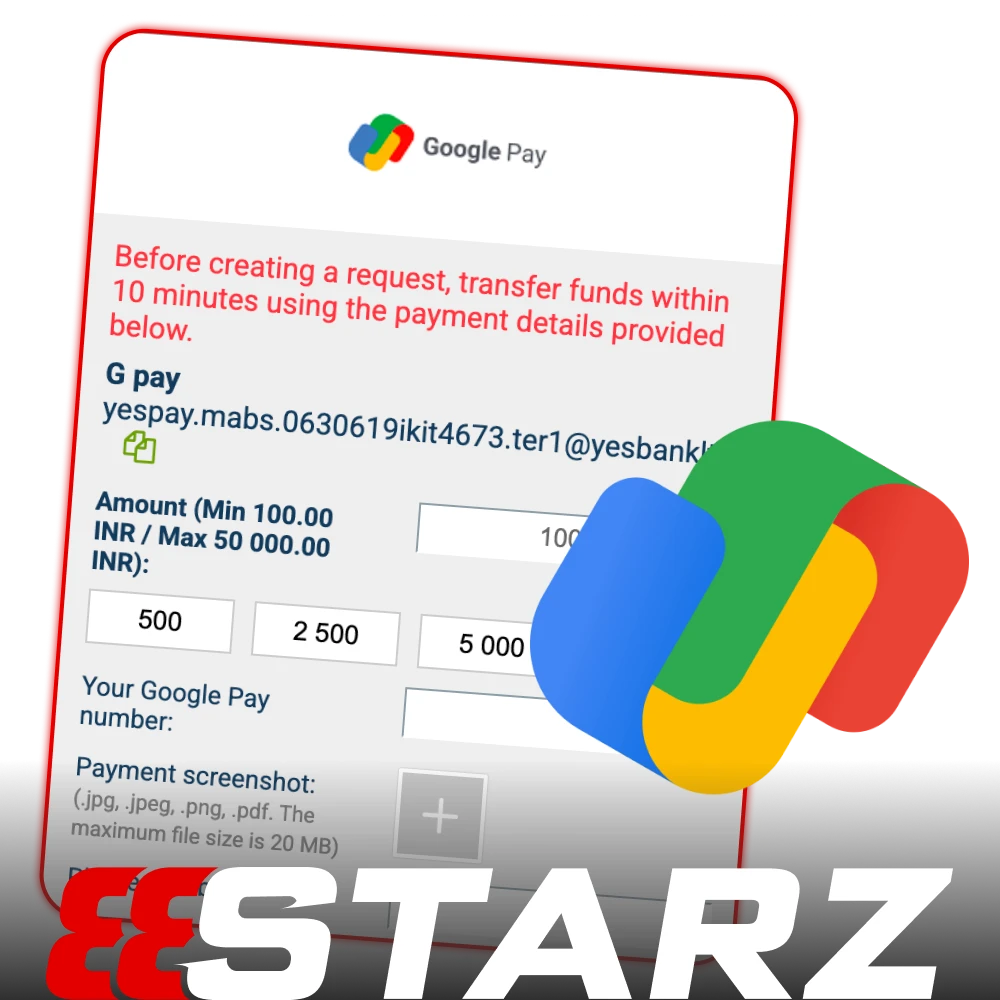
For GPay transactions on 888starz, the minimum deposit typically ranges from ₹300 to ₹500, while the maximum deposit can go up to ₹1 Lakh, depending on UPI limits. Transactions are processed instantly as long as the UTR (Unique Transaction Reference) is correctly entered. One of the major advantages of using GPay is that there are no fees charged by the bookmaker, making it an efficient and cost-effective method for deposits and withdrawals.
| Transaction | Details |
| Min Deposit | ₹300-500 |
| Max Deposit | ₹1 Lakh (UPI limit) |
| Speed | Instant (with correct UTR entry) |
| Fees | 0% (No fees from the bookmaker) |
How to Deposit via GPay (UPI Guide)
A critical instruction to help you complete your transaction without any hassle:
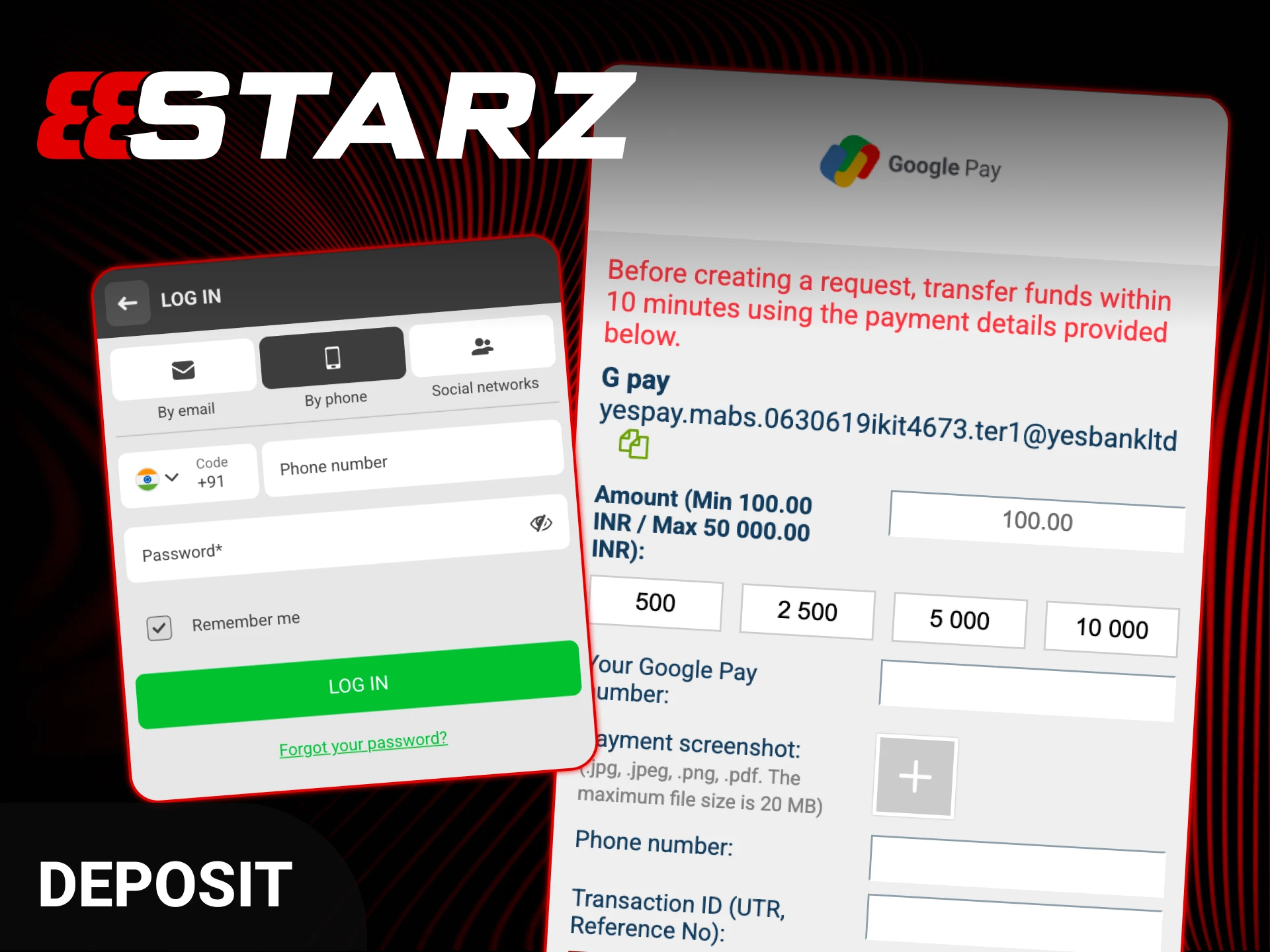
- Click on Make a Deposit and select Google Pay at the cashier section.
- Enter the deposit amount you want to add to your account.
- Copy the UPI ID (VPA) for 888starz or scan the QR code provided.
- Open GPay, tap “Pay to UPI ID,” and paste the copied address.
- Confirm and complete the payment.
- IMPORTANT: Go to your transaction details in GPay and copy the UPI Transaction ID (12 digits).
- Paste this Transaction ID on the 888starz website to confirm your deposit.
Make sure you copy the correct UPI Transaction ID and paste it on the 888starz website. Failing to do so may cause delays in processing your deposit. Always double-check the details before finalizing your payment.
Withdrawal to GPay (Bank Account)
Via the bank account you can complete the following steps:
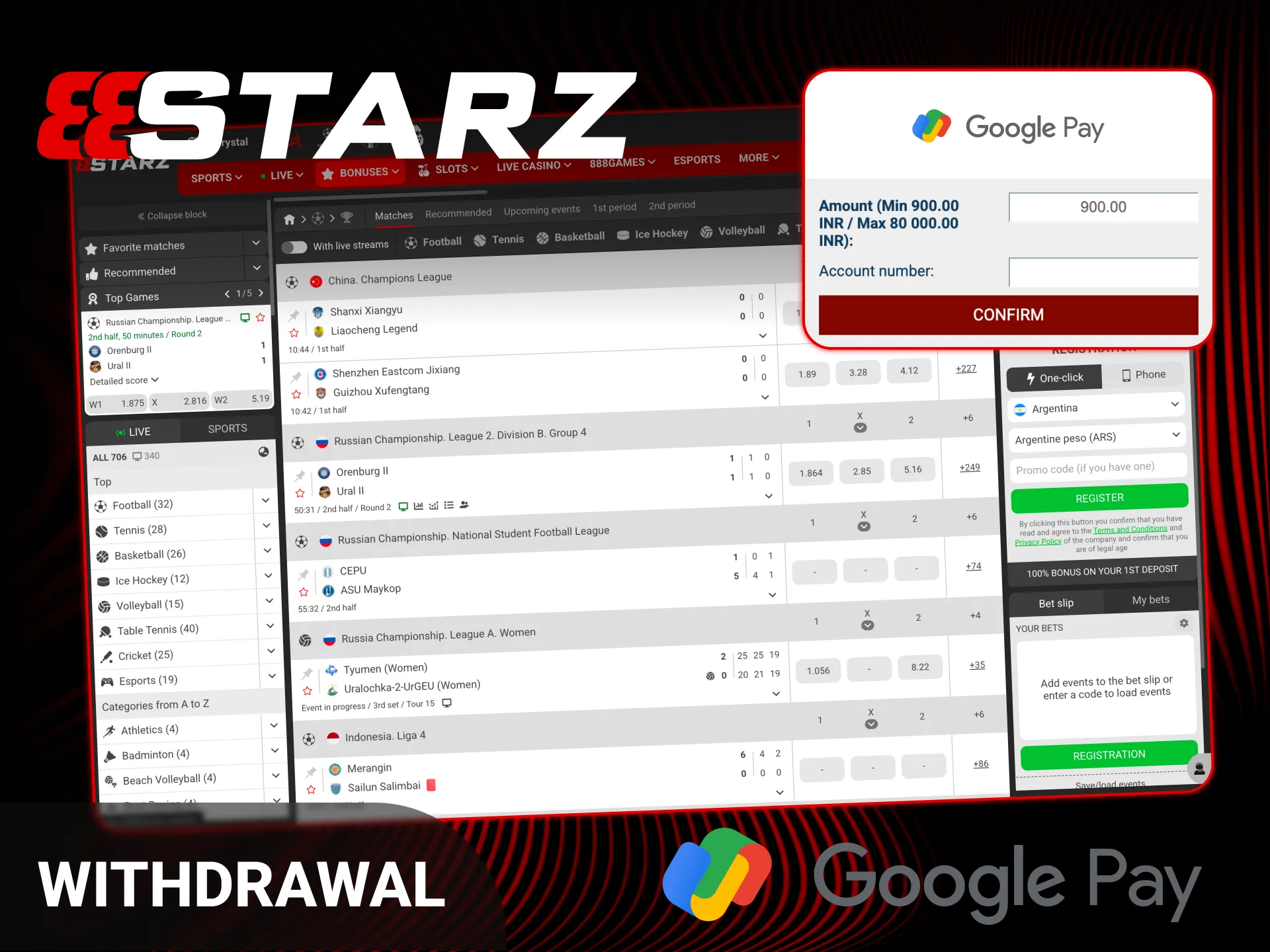
- Select GPay or UPI from the withdrawal methods.
- Enter your UPI ID (for example, name@okhdfcbank or name@okicici).
- Confirm the amount you want to withdraw.
- The funds will be transferred directly to the bank account linked to your GPay.
This process is simple and fast, allowing you to access your winnings straight into your bank account via GPay. Make sure your UPI ID is entered correctly to avoid delays in processing the withdrawal.
Troubleshooting GPay Issues
Check the detailed and informed solutions for the problems with GPay:
- “Waiting for payment confirmation”-Did you enter the UPI Transaction ID on the website? If not, your funds may be stuck. Ensure the ID is entered correctly to confirm the payment;
- “Bank Server Busy”-This is a common error with GPay. Try again after 15 minutes, as the issue may be temporary and caused by high server load;
- “Payment Declined”-Check your bank’s daily UPI transaction limit. If you’ve exceeded the limit, the payment will be declined. Contact your bank for more information.
These steps should help resolve common GPay-related issues during your deposit or withdrawal process.
Mobile App Switching Tips
When making a payment on your phone, you can not close the 888starz app fully. Instead, use the “Recent Apps” button to quickly switch between 888starz and GPay. This makes it easy to copy the UPI ID without interrupting your transaction. Or you can download 888starz app via the link on this page.
Security Features
GPay is secured with Google Shield and biometric authentication. All payments and data are encrypted, and this provides extra layer protection. The platform requires name verification for withdrawals, which adds a crucial security measure to prevent fraud and identity theft. 888starz is the best sportsbook with security tools working constantly while you play.
FAQ
Where to Find UPI Transaction ID in GPay?
To find the UPI Transaction ID, tap on the transaction in your GPay history. Expand the details and copy the number under “UPI transaction ID” (it usually starts with 3 or 4).
Can I Withdraw to a Different GPay Number?
No, withdrawals can only be made to the account details registered to your 888starz account. The payment must match the account holder’s information.
Is There a Daily Limit for GPay on 888starz?
888starz sportsbook doesn’t set its own daily limits, but the NPCI (Indian regulator) has a limit of ₹1 Lakh per day for UPI transactions.
Why Is My GPay Deposit Pending?
Usually, the delay is caused by the bank’s side. If it’s been over 30 minutes, take a screenshot and send it to 888starz support for assistance.
Updated:
Comments